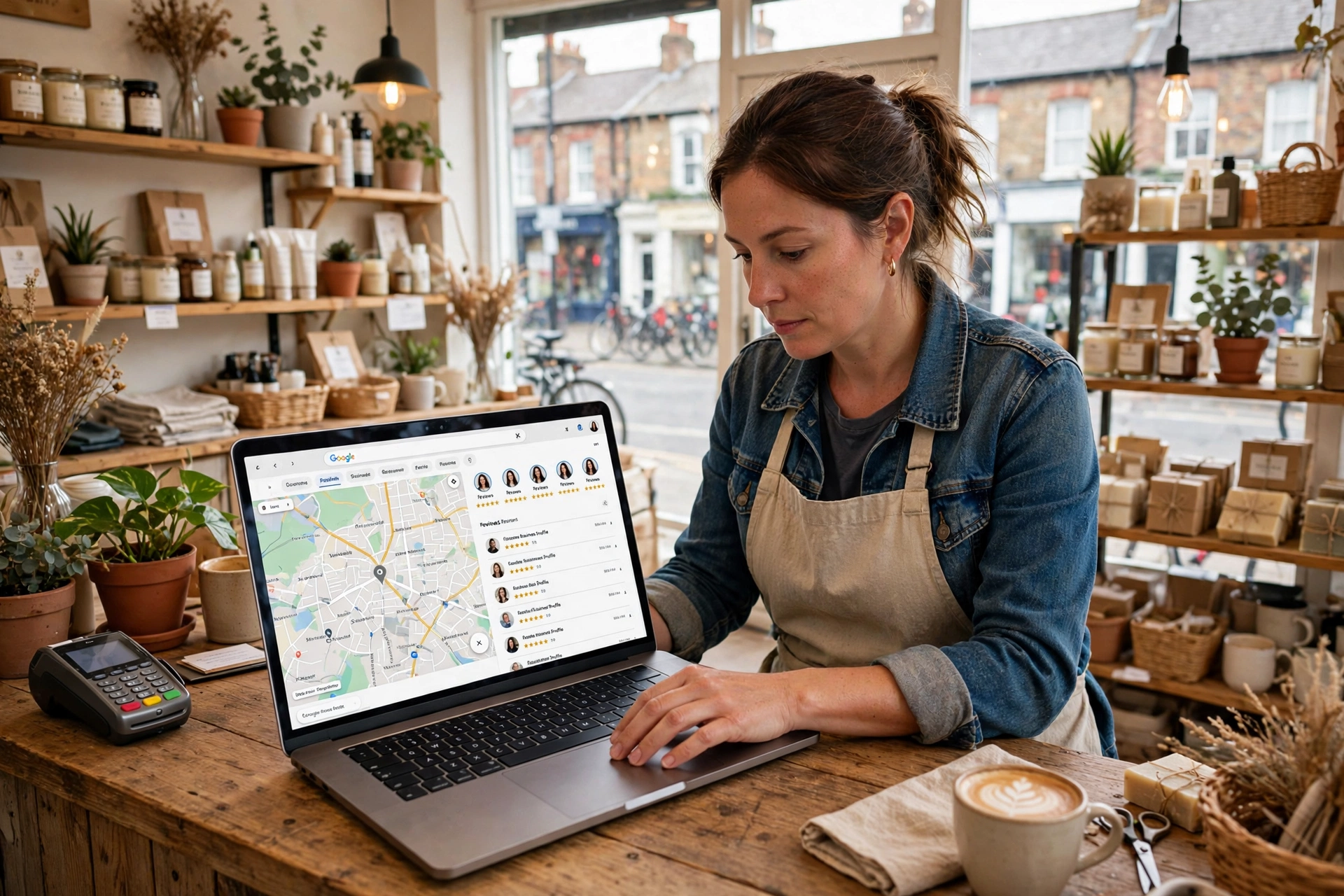
Your Google Business Profile is free, it sits above the map on almost every local search, and for most UK small businesses it brings in more calls than any paid channel. Yet most profiles were claimed years ago, filled in halfway, and never touched again. Google Business Profile optimisation UK is simply the work of finishing that job properly — and in most local markets, a complete and active profile beats the large majority of rivals. This guide gives you the checklist in priority order, so you can do it in one afternoon and keep it working with a short weekly routine.
First, why it matters so much. When someone searches “plumber near me” or “accountant in Leeds”, Google shows three local businesses above every normal result. Those three map-pack positions take the large majority of calls for local-intent searches, and they are decided by your profile, not your website. Proximity, relevance and prominence decide who appears — and two of those three are things you can directly improve. That is the whole opportunity: your competitors are usually inactive, so steady, basic optimisation goes a long way.
Step 1: Choose the Exact Primary Category
Your primary category is the single biggest ranking lever in the profile, because Google matches searches to categories first. Be as specific as the work you actually want: “Emergency plumber” beats “Plumber” if emergency call-outs are your best work, and “Family law solicitor” beats “Solicitor” for the same reason. You can add up to nine secondary categories for everything else you do, but the primary one should be the service you most want to rank for. Get this wrong and you compete with every generalist in the county; get it right and you appear for a smaller, higher-intent pool of searchers.
Step 2: Complete Every Field — and Keep NAP Consistent
Fill in everything: business name, address or service area, phone, website, opening hours including bank holidays, services, and attributes such as wheelchair access or free parking. Use your real trading name exactly — adding keywords to your business name, like “Smith’s Plumbing — Emergency Plumber London”, violates Google’s guidelines and can get the profile suspended. Just as important, your name, address and phone number must match exactly across your website, directories and social profiles. Mismatches erode Google’s confidence in the listing. If your phone number is written differently on your site than on your profile, fix it today; this is one of the cheapest ranking wins available.
Step 3: Write a Description That Converts (750 Characters)
You get 750 characters for your business description. No URLs, no special characters, and no blatant keyword stuffing — that flags the profile for spam review. Google says the description is not a ranking factor, but it converts visitors once they land and reinforces the language of your services. Write it in natural language: what you do, who you do it for, where you work, and what makes you the safe choice. Mention your town and your main service once, in a sentence a human would actually say.
Step 4: Collect Reviews Relentlessly — and Reply to All of Them
Review volume, recency and reply rate all count toward map-pack rankings, and reviews convince humans once they click. Ask every happy customer at the moment the job finishes, with Google’s short review link sent by SMS — SMS beats email by roughly four times on response rate. Then reply to every review, good and bad, within a day or two. Never buy reviews: filtered or penalised profiles can lose the map pack entirely. A profile with a steady stream of recent, genuine reviews and thoughtful replies will outrank a profile with fifty old reviews and silence. This pairs with the wider local picture in our guide to local SEO for UK small businesses, where reviews sit alongside local pages and citations.
Step 5: Add Real Photos Every Week
Photos are the fastest activity signal Google reads. Launch with fifteen or more across these categories: jobs, team, premises, and before-and-after shots. Then add two to three fresh photos every week from real work — businesses with photos receive 42% more requests for directions and 35% more clicks to their websites than those without. Use genuine photos of your actual work, not stock images; customers recognise the difference, and so does Google’s image understanding. A slow website undermines all of this — if your site loads poorly on mobile, fix that first with our guide on how to improve website speed in the UK.
Step 6: Post Weekly and Keep Hours Accurate
Google Business Profile posts stay visible for up to six months, and Google treats posting frequency as an activity signal. Aim for one post a week: an offer, a completed job, a seasonal reminder, or a helpful tip. Engagement is low, but the activity itself counts. At the same time, keep your hours accurate — including seasonal changes and bank holidays — because nothing damages trust faster than a customer arriving to a closed door that Google said was open. Set a weekly reminder: fifteen minutes, one post, two or three photos, and a check of any new reviews.
The Weekly Routine (15 Minutes)
Once the setup afternoon is done, the whole system runs on a short weekly habit: reply to any new reviews, add two to three photos from this week’s jobs, publish one post, and confirm your hours are still right. That is all it takes to stay ahead of the typical UK small business profile, which is updated roughly never. The setup afternoon and this weekly routine are entirely DIY-able, and this checklist covers what most UK businesses need. Paid help makes sense in three cases: a competitive city market where every rival is also optimised, a suspended or duplicate-listing mess that needs untangling, or when local visibility is a growth priority and you want the profile, website and content working as one system. The Google Business Profile optimisation checklist from Lux Branding and the 2026 GBP guide for UK small businesses from Pixel Heaven both confirm the same priority order used here.
To sum up, Google Business Profile optimisation UK comes down to five jobs: the exact primary category, relentless review collection, weekly photos, complete every field, and keep your name, address and phone consistent everywhere. Do the setup this week, keep the fifteen-minute weekly routine, and your profile will quietly become the highest-return marketing asset you own.
FAQ
How much does Google Business Profile optimisation cost?
Nothing. Creating, claiming and fully optimising a Google Business Profile is free. Anyone charging a setup fee for the profile itself is charging for their time, not for Google.
How long does it take to rank in the map pack?
Most small businesses see movement within four to eight weeks of completing the profile and starting regular reviews and photos, though competitive city markets take longer. Proximity to the searcher is the one factor you cannot change.
What is the most important Google Business Profile ranking factor?
Your primary category is the single biggest lever, followed by review volume and recency and proximity to the searcher. A complete, active profile with the right category beats an incomplete one almost every time.
Should I reply to negative reviews?
Yes — always, politely and within a day or two. A calm, professional reply to a bad review reassures future customers more than a page of five-star reviews alone, and Google counts reply rate as a trust signal.

How to Improve Website Conversion Rate for Small Business in 2026
November 9, 2026[…] details — a real address and phone number — to reduce perceived risk further. Our guide to Google Business Profile optimisation explains how reviews on your listing feed the same trust signal in search […]