Mastering bing ads management is one of the smartest digital marketing moves for businesses today. Paid search advertising continues to dominate online lead generation, and learning how to optimize campaigns across Microsoft Advertising ecosystems can dramatically reduce marketing costs while improving conversion quality.
This guide walks you through practical strategies, beginner-friendly explanations, and advanced optimization tactics. We will also discuss related ecosystem tools such as Bing Ads $500 coupon, what are Google Ads, and Google Ads plans so you can compare platforms intelligently.
Why Bing Ads Management Matters for Modern Businesses
Bing ads management is the strategic process of planning, launching, monitoring, and scaling paid search campaigns using Microsoft Advertising platforms.
Many advertisers focus only on Google Ads, but this creates a missed opportunity. Competition is often lower on Microsoft’s search network, which means:
- Lower cost-per-click (CPC)
- Higher ad visibility
- Better return on ad spend (ROAS) in niche industries
Think of bing ads management like investing in a second profitable sales channel rather than putting all marketing budgets into one basket.
Small businesses, startups, and local service providers often experience better early-stage results on Microsoft Advertising compared to highly saturated Google environments.
Understanding What Are Google Ads and How They Compare
To fully master bing ads management, it helps to understand what are Google Ads and how search advertising works in general.
Google Ads is Google’s pay-per-click advertising platform where businesses bid on search keywords to display ads above organic search results.
Typical components include:
- Search campaigns
- Display campaigns
- Shopping campaigns
- Video advertising
Google Ads dominates global search traffic, but competition is intense.
When comparing platforms:
| Feature | Bing Ads (Microsoft Advertising) | Google Ads |
|---|---|---|
| Cost per click | Lower | Higher |
| Competition | Moderate | Very High |
| Audience demographics | Older, higher income | Broad global audience |
| B2B targeting | Strong | Strong but more expensive |
Smart marketers don’t choose one platform. They combine both into a balanced strategy.
Getting Started with Microsoft Advertising Campaign Setup
Step 1: Create a Microsoft Advertising Account
Visit the official Microsoft Advertising platform and register using your business email.
You will need:
- Business information
- Payment method
- Campaign goals
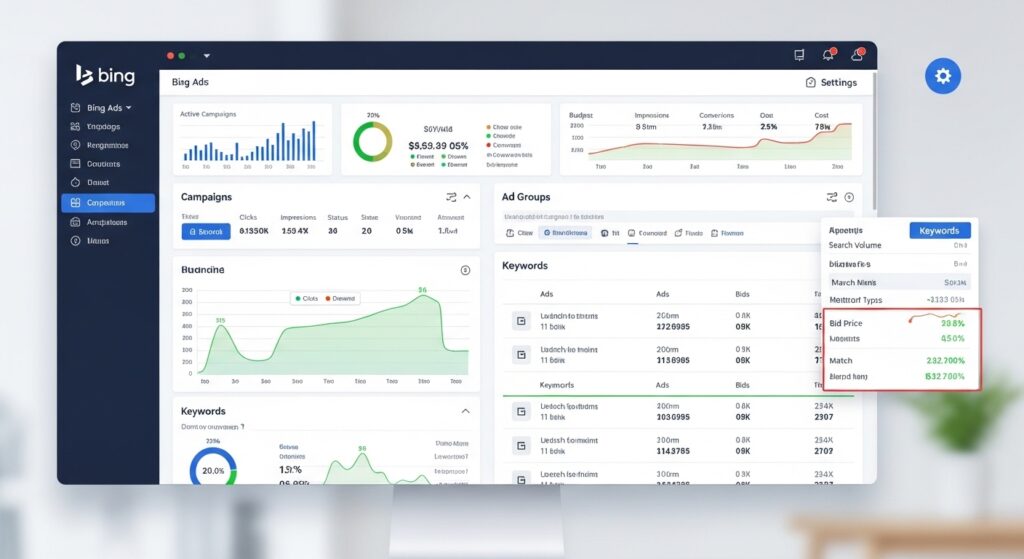
After registration, install Universal Event Tracking (UET) to monitor conversions.
Learn more here:
https://learn.microsoft.com/en-us/advertising/guides/universal-event-tracking?view=bingads-13
Without tracking, bing ads management becomes guesswork.
Step 2: Install Conversion Tracking Early
Conversion tracking measures actions such as:
- Purchases
- Lead form submissions
- Phone calls
Tracking enables data-driven optimization.
In professional bing ads management, analytics determine success—not intuition.
How to Use Bing Ads $500 Coupon for New Campaigns
Many new advertisers look for promotional incentives like Bing Ads $500 coupon offers.
These coupons typically work by:
- Creating a new Microsoft Advertising account
- Meeting minimum ad spend requirements
- Receiving advertising credits after validation
Search for official promotions at:
https://about.ads.microsoft.com/en-us/get-started
Important tips:
- Read terms carefully
- Check expiration dates
- Ensure eligibility requirements are met
Coupons are excellent for testing campaigns with reduced financial risk.
Building Campaign Structure Inside Bing Ads Management
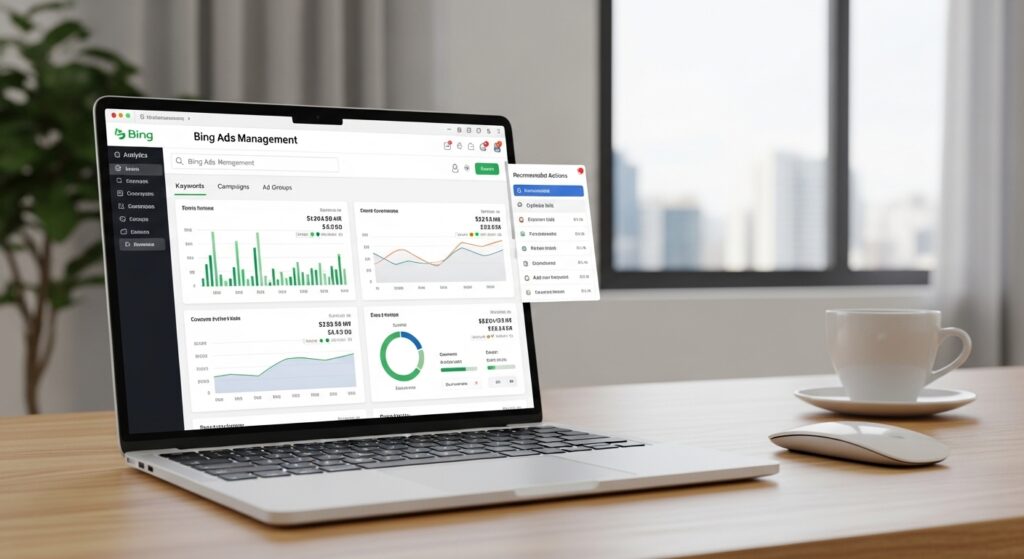
Professional bing ads management always relies on structured campaign organization.
Use this hierarchy:
Campaign → Ad Group → Keywords → Ads
Example:
Campaign: Home Services Marketing
- Ad Group 1: Plumbing Services
- Ad Group 2: Emergency Repairs
- Ad Group 3: Installation Services
Good structure improves:
- Quality score
- Ad relevance
- CTR performance
Learn structure best practices here:
https://learn.microsoft.com/en-us/advertising/guides/campaign-structure?view=bingads-13
Using Google Ads Plans for Strategic Budget Comparison
Understanding Google Ads plans helps you design better marketing strategies overall.
Google offers multiple budget planning options:
- Smart campaigns
- Performance Max campaigns
- Manual search campaigns
See details here:
https://ads.google.com/home/campaigns/
When planning budgets:
- Start small
- Test audience segments
- Scale profitable keywords
Professional marketers often run parallel campaigns across Google and Microsoft networks.
This creates traffic redundancy and improves market coverage.
Keyword Research Strategy for Bing Ads Management
Keyword research is the foundation of success.
Use tools like:
- Microsoft Keyword Planner
- SEMrush
- Ahrefs
- Ubersuggest
Focus on buyer intent keywords such as:
- “Buy now”
- “Best price”
- “Near me”
- “Service provider”
Avoid purely informational searches unless running brand awareness campaigns.
Long-Tail Keywords Perform Better
Example:
❌ Shoes
✅ Buy running shoes online free shipping
Long-tail keywords usually:
- Convert better
- Cost less
- Face less competition
This is especially true in bing ads management campaigns targeting niche markets.
Writing High-Converting Ads
Good ads follow psychology principles.
Include:
- Emotional triggers
- Urgency language
- Clear benefit statements
Example:
Get Professional Plumbing Services Today
Fast Response | Licensed Experts | 24/7 Support
Test multiple versions of ads using A/B testing.
Microsoft Advertising supports responsive search ads that automatically optimize headlines.
Learn more:
https://learn.microsoft.com/en-us/advertising/guides/responsive-search-ads?view=bingads-13
Using Ad Extensions to Improve Performance
Ad extensions increase visibility and CTR.
Popular options include:
- Sitelink extensions
- Call extensions
- Location extensions
- Callout extensions
Details here:
https://learn.microsoft.com/en-us/advertising/guides/ad-extensions-overview?view=bingads-13
Extensions make ads appear larger and more trustworthy.
Smart Bidding in Bing Ads Management
Microsoft Advertising provides advanced bidding options.
Choose from:
- Manual CPC bidding
- Maximize conversions
- Target CPA bidding
- Target ROAS bidding
Beginners should start with manual bidding.
Advanced users should shift toward automated optimization strategies.
Bidding guide:
https://learn.microsoft.com/en-us/advertising/guides/bidding-strategies?view=bingads-13
Remarketing Strategies Inside Microsoft Advertising
Remarketing is powerful because most buyers don’t convert immediately.
Remarketing allows you to:
- Show ads to past visitors
- Increase brand recall
- Improve conversion probability
Learn more:
https://learn.microsoft.com/en-us/advertising/guides/remarketing?view=bingads-13
This is especially useful for eCommerce businesses.
Audience Targeting Opportunities
Microsoft Advertising allows advanced targeting:
- Age demographics
- Geographic targeting
- Device targeting
- LinkedIn professional data integration
This is especially valuable for B2B companies.
Negative Keywords for Cost Control
Negative keywords prevent irrelevant clicks.
Example exclusions:
- Free
- Cheap
- Tutorial
- DIY
Guide here:
https://learn.microsoft.com/en-us/advertising/guides/negative-keywords?view=bingads-13
This is one of the most overlooked parts of bing ads management.
Landing Page Optimization Strategies
Your landing page determines conversion success.
Best practices:
- Match ad messaging
- Use fast-loading designs
- Include testimonials
- Add strong calls to action
Read more:
https://en.wikipedia.org/wiki/Landing_page
Landing page optimization often improves ROI more than increasing ad spend.
Common Mistakes in Bing Ads Management
Avoid these costly errors:
❌ Ignoring Search Reports
Review search terms weekly.
❌ Using Generic Landing Pages
Send traffic to targeted pages.
❌ Not Testing Ads
Always run experiments.
❌ Overspending Too Quickly
Scale gradually.
Professional vs DIY Bing Ads Management
DIY Management
Good if you have time to learn analytics and marketing basics.
Professional Management
Better for businesses wanting fast growth.
Professional services provide:
- Campaign optimization
- Data analysis
- Scaling strategy
- Conversion optimization
Real Business Growth Example
A small retail business implemented professional bing ads management:
Results after 6 months:
- 8x revenue growth
- 40% reduction in CPA
- Improved brand visibility
The difference was systematic optimization.
Future of Microsoft Advertising
Microsoft continues expanding capabilities including:
- AI-driven optimization
- Audience intelligence targeting
- Cross-platform marketing integration
This makes investing in bing ads management increasingly valuable.
Learn more about future innovations:
https://about.ads.microsoft.com/en-us/blog
Final Thoughts on Bing Ads Management
Mastering bing ads management is about strategy, not just spending money on ads.
Remember:
- Research keywords carefully
- Structure campaigns logically
- Track conversions
- Optimize continuously
- Use data to guide decisions
If you combine Microsoft Advertising with smart marketing strategy, you can build a sustainable, profitable advertising system.
